If you’re searching for how to apply for FairMoney loan, this guide breaks it down in the simplest way possible—what you need, how the application works on the app, how to apply with USSD, and what to do if your loan is declined.
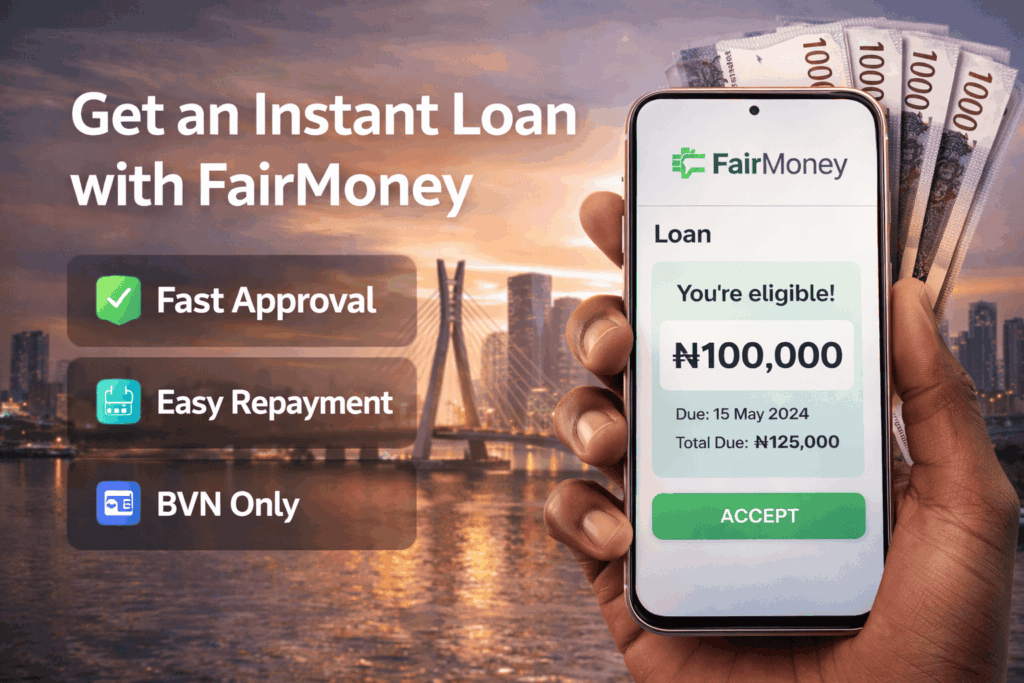
Table of Contents
Important: Borrow only what you can repay comfortably. Always review the repayment amount and due date before you accept any offer.
Quick Summary: How to Apply for FairMoney Loan
- Download the FairMoney app (Android or iPhone).
- Sign up with your phone number (ideally the number linked to your BVN).
- Complete verification questions and link an active debit card.
- Select a loan amount and repayment plan.
- Submit your request and accept the offer (if available).
- Funds are paid into your FairMoney bank account if approved.
Eligibility & Requirements for FairMoney Loan
Before you apply, make sure you meet the basics most users need to qualify:
- Age: 18+ (FairMoney services are for adults)
- BVN: Use a phone number linked to your BVN for smoother verification
- Phone & app access: Smartphone for the app method (or USSD for feature phones)
- Debit card: An active debit card to link in-app
- Accurate personal details: Name, DOB, and BVN details should match
Tip: If your BVN details don’t match your registration details, your verification can fail or your offer may not show.
Related: How to Apply for AimLoan in Nigeria (2026) — Full Review
How to Apply for FairMoney Loan Using the App (Recommended)
Step 1: Download the FairMoney app
Install FairMoney from the official store links:
Step 2: Sign up (use your BVN-linked number)
- Open the app and sign up with your phone number.
- Use the number linked to your BVN if possible.
Step 3: Complete verification and link an active debit card
- Answer the identity questions in-app.
- Link an active debit card when prompted (this is commonly required to proceed).
Step 4: Request a loan
- Go to the Loans or Get Loan section (wording may vary).
- Select the amount you want and your repayment plan/tenor.
- Review total repayment and due date.
- Submit your request.
Step 5: Accept the offer (if available)
If you’re eligible, FairMoney will show an offer. Accept it only if the repayment plan works for you. Once accepted, your loan is disbursed to your FairMoney bank account (often quickly).
Related: How to Borrow Money from Moniepoint Loan in 2026
How to Apply for FairMoney Loan Using USSD
Previously you can access Fairmoney loans by dialing *566*15# on the phone number linked to your FairMoney account but the Fairmoney USSD service has been discontinued as at the time of writing this article.
How Long Does FairMoney Loan Approval Take?
It takes less than 5 minutes to get a loan with Fairmoney. Approval speed depends on your profile, verification, and system checks. Most users get an offer quickly after completing verification and linking a debit card. Always rely on what the app shows at the point of application.
How Repayment Works (Simple Explanation)
FairMoney typically gives you repayment options inside the app. Your repayment schedule (amount + due date) will be shown clearly before you accept any loan.
Best practice: Set a reminder 2–3 days before your due date so you don’t miss repayment and incur penalties.
Related: How to Apply for EaseMoni Loan in Nigeria
If Your FairMoney Loan Is Declined: What to Do
If you don’t see an offer or your application is declined, try these fixes:
- Use your BVN-linked phone number (this improves verification success).
- Complete verification fully (don’t skip steps or leave info incomplete).
- Link a valid, active debit card (and confirm it can do online transactions).
- Start using other Fairmoney services like banking, savings. Then, retry after 15 – 30 days.
- Reduce the amount and try a smaller loan request first.
- Improve repayment history if you’ve borrowed before (timely repayment often increases eligibility).
- Wait and retry later—some users only get offers after a period of account activity.
Common Issues & Quick Fixes
1) “BVN verification failed”
- Confirm your name and DOB match your BVN records.
- Use the phone number linked to your BVN.
2) “Debit card linking failed”
- Try another debit card.
- Ensure the card is active and enabled for online transactions.
3) USSD code not working
- Try again with better network reception.
- Confirm you’re using the number linked to your FairMoney account.
- If it persists, use the app or contact support.
FairMoney Customer Care (Official Support)
If you need help with your loan application, verification, or repayment, contact FairMoney support through official channels.
- Support (Freshdesk): 07000362362
- Email: help@fairmoney.ng
- Phone: 01 7001276 / 01 8885577
FAQs
How do I apply for FairMoney loan for the first time?
Download the app, sign up with your BVN-linked number, complete verification, link an active debit card, then request a loan in the Loans section
Can I apply for FairMoney loan without the app?
Yes. You can apply using the USSD code *566*15# and follow the prompts.
Why am I not seeing a loan offer on FairMoney?
You may need to complete verification, link a debit card, request a smaller amount, or retry later after more account activity.
How do I know the repayment amount?
The app shows your total repayment amount and due date before you accept the offer. Always review it carefully.