USSD Codes for GTBank, FCMB, UBA, and Fidelity Bank are the fastest way to bank on any phone in Nigeria—no internet, no app, and no smartphone required. In this 2026 guide, you’ll get the updated short codes for transfers, airtime, data, bill payments, and essential safety actions like blocking your card/account.
Important: USSD transactions typically require your registered phone number and your USSD PIN/transaction code. Never share your PIN with anyone—including someone claiming to be bank support.
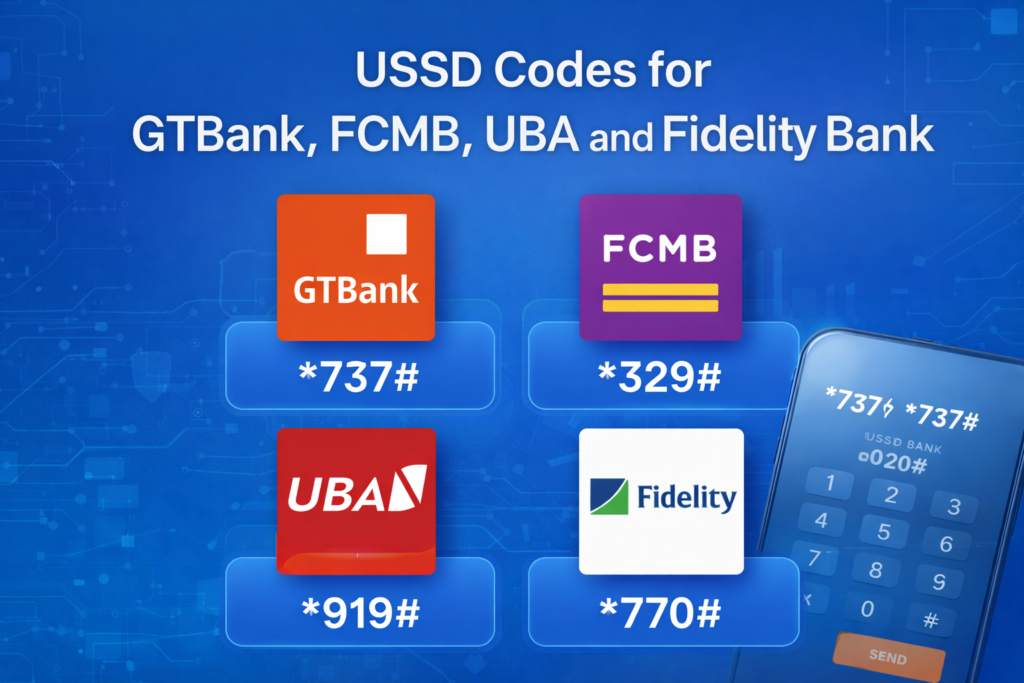
USSD Codes for GTBank, FCMB, UBA, and Fidelity Bank
If you only need the “main code” for each bank, here’s the cheat sheet:
- GTBank USSD Code: *737#
- FCMB USSD Code: *329#
- UBA USSD Code: *919#
- Fidelity Bank USSD Code: *770#
For the full, updated breakdown (transfer formats, balance checks, airtime/data, and security actions), continue below.
Before You Use USSD Codes in Nigeria: 7 Things People Get Wrong
- Use your registered number: Most banks only allow USSD from the phone number linked to your account.
- Keep airtime on your line: Mobile networks may charge a USSD session fee, so your SIM usually needs airtime.
- Set your USSD PIN/transaction code: If you haven’t created one, start with the bank’s activation prompts.
- Mind daily limits: Transfer limits apply depending on your account tier, channel rules, and banking regulations.
- Watch out for phishing: Don’t give your PIN, OTP, or card details to anyone on calls/WhatsApp/SMS.
- Network issues happen: If a code fails, retry after a minute or switch location for better signal.
- Always keep proof: Save confirmation SMS and transaction references for disputes.
GTBank USSD Codes – *737#
GTBank’s USSD banking works on *737#. It supports account opening, airtime/data purchase, transfers, cardless withdrawals, and bill payments. Official GTBank references: GTBank *737 Features and GTBank *737 FAQs + short codes list.
GTBank USSD Codes for GTBank, FCMB, UBA, and Fidelity Bank Users: Key GTBank Short Codes
- Open GTBank account: *737*0#
- Buy airtime (self): *737*Amount#
- Buy airtime (others): *737*Amount*PhoneNo#
- Transfer to GTBank: *737*1*Amount*NUBAN#
- Transfer to other banks: *737*2*Amount*NUBAN#
- Cardless withdrawal: *737*3*Amount#
- Buy data: *737*4#
How to Transfer Money with GTBank USSD (*737#)
- Dial *737*1*Amount*NUBAN# to send to GTBank accounts.
- Dial *737*2*Amount*NUBAN# to send to other banks.
- Follow prompts to authenticate with your 737 PIN (or the bank’s required verification method).
GTBank USSD Not Working? Try This
- Confirm you’re using the phone number linked to your GTBank account.
- Ensure your SIM has airtime for USSD session charges.
- Check if your network signal is stable; USSD can fail during congestion.
- If you suspect fraud, stop and contact the bank via official channels on their website.
FCMB USSD Codes – *329# (2026 Updated)
FCMB’s USSD banking runs on *329#. It supports quick transfers, airtime top-up, data purchase, balance checks, and PIN reset. Official FCMB reference: FCMB USSD Banking (*329#).
FCMB USSD Codes for GTBank, FCMB, UBA, and Fidelity Bank Users: Most Used FCMB Short Codes
- Check balance: *329*00#
- Buy airtime (self): *329*Amount#
- Buy airtime (others): *329*Amount*MobileNumber#
- Transfer funds: *329*Amount*AccountNumber#
- Reset/create transaction code / reset PIN: *329*0#
- Buy data on any phone: *329*1*MobileNumber#
How to Transfer Money with FCMB USSD (*329#)
- Dial *329*Amount*AccountNumber#.
- Confirm beneficiary details on-screen.
- Authenticate with your FCMB USSD PIN/transaction code.
UBA USSD Codes – *919# (2026 Updated)
UBA’s USSD banking uses *919#. You can check balance, buy airtime/data, transfer money, open a UBA account, and even freeze your account for safety. Official UBA reference: UBA Self Service (USSD *919#).
UBA USSD Codes for GTBank, FCMB, UBA, and Fidelity Bank Users: Most Used UBA Short Codes
- Check balance: *919*00#
- Buy airtime (self): *919*Amount#
- Buy data: *919*14#
- Transfer to UBA: *919*3*AccountNumber*Amount#
- Transfer to other banks: *919*4*AccountNumber*Amount#
- Open UBA account: *919*21#
- Freeze account (security): *919*911#
When Should You Freeze Your UBA Account?
If you suspect your phone/SIM is compromised, or you notice unauthorised activity, freezing your account via *919*911# can reduce risk while you contact support through official channels.
Fidelity Bank USSD Codes – *770# (2026 Updated)
Fidelity’s USSD banking runs on *770# and covers transfers, airtime/data, collections, and security actions like blocking your card. Official Fidelity reference: Fidelity My *770# Instant Banking.
Fidelity USSD Codes for GTBank, FCMB, UBA, and Fidelity Bank Users: Safety & Essentials
- Main menu: *770#
- Block your card (security): *770*911#
- Collections (merchant/government payments): Dial *770# → select “Collections” (per bank prompts)
- Forgot/change PIN: Dial *770# → select “Forgot PIN” and follow prompts (per bank prompts)
How to Block Your Fidelity Card Fast
If your card is missing or you suspect fraud, dial *770*911# immediately using your registered number and follow the prompts.
Related: How to Block First Bank ATM Card Immediately (2026 Guide)
USSD Codes for GTBank, FCMB, UBA, and Fidelity Bank: Comparison Table
| Bank | Main USSD Code | Balance Check | Transfers | Airtime | Security |
|---|---|---|---|---|---|
| GTBank | *737# | Use *737# menu (or bank prompts) | *737*1*Amount*NUBAN# (GTB) *737*2*Amount*NUBAN# (Other banks) | *737*Amount# | Use bank security options / official prompts |
| FCMB | *329# | *329*00# | *329*Amount*AccountNumber# | *329*Amount# | *329*0# (PIN/transaction code reset) |
| UBA | *919# | *919*00# | *919*3*Acct*Amt# (UBA) *919*4*Acct*Amt# (Other banks) | *919*Amount# | *919*911# (Freeze account) |
| Fidelity | *770# | Use *770# menu (per bank prompts) | Use *770# menu (per bank prompts) | Use *770# menu (per bank prompts) | *770*911# (Block card) |
Troubleshooting: Why USSD Codes Fail (and the Fast Fix)
- “Code not working”: Move to a better network area and retry.
- “Invalid PIN / Transaction code”: Reset using the bank’s PIN reset option (FCMB: *329*0#; UBA/Fidelity: follow menu prompts).
- “Insufficient funds”: Confirm both account balance and charges (transfer fees + USSD session fees may apply).
- SIM swap risk: If your line suddenly stops working, contact your network provider and bank immediately.
Bonus: Want Easier Bill Payments (Often With Discounts)?
USSD is great when you’re offline—but if you want a modern flow for receiving crypto and converting to naira, plus paying bills from a menu (sometimes with discounts via promo codes), you can use Centry’s product RavaSend and only pull out USSD when you truly need it.
Related: Wema Bank USSD Code – *945# for Transfers, Airtime, Bills
FAQs
What are the USSD Codes for GTBank, FCMB, UBA, and Fidelity Bank?
The main USSD codes are: GTBank *737#, FCMB *329#, UBA *919#, and Fidelity *770#.
Can I use USSD banking without internet?
Yes. USSD works on any phone and doesn’t require internet access, but you typically need your registered phone number and USSD PIN/transaction code.
How do I transfer with GTBank USSD?
Dial *737*1*Amount*NUBAN# for GTBank transfers and *737*2*Amount*NUBAN# for other banks, then authenticate per GTBank prompts.
How do I check my FCMB balance via USSD?
Dial *329*00# (from your registered number).
How do I freeze my UBA account if I suspect fraud?
Dial *919*911# and follow the on-screen prompts.
How do I block my Fidelity card fast?
Dial *770*911# using your registered number and follow the prompts.