If you’re searching for How to Retrieve JAMB Profile Code, you’re in the right place. Your JAMB profile code is required for key steps like UTME/DE registration, purchasing ePIN, and completing your profile.
This guide explains how to retrieve JAMB profile code using the official method, what to do when it fails, and how to avoid common mistakes candidates make.
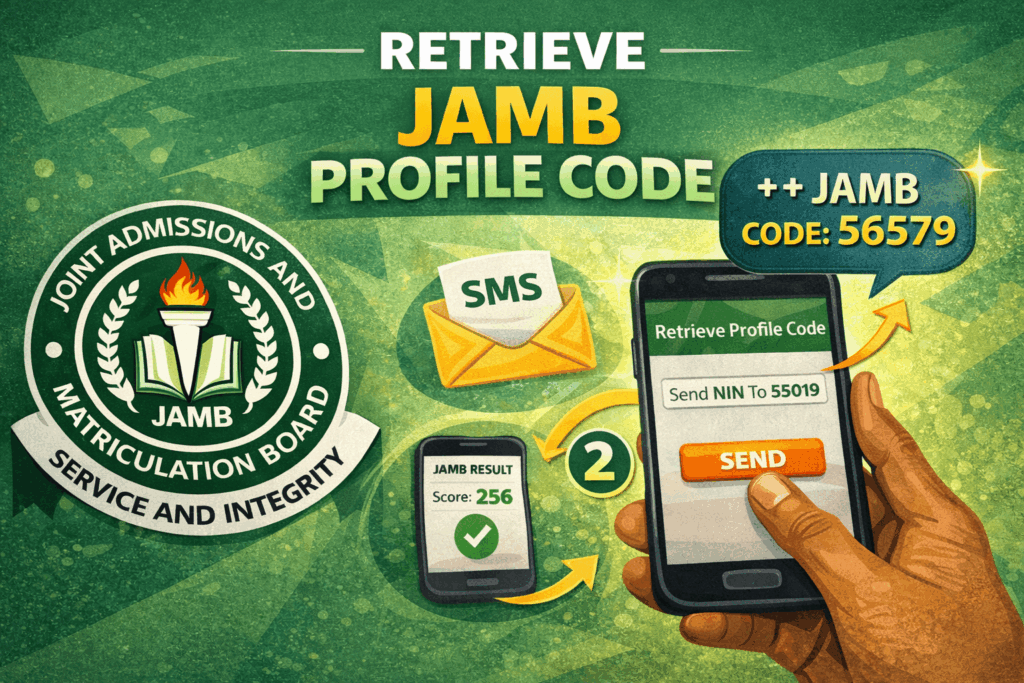
How to Retrieve JAMB Profile Code
The official way to retrieve your JAMB profile code is via SMS:
- Send NIN followed by your 11-digit NIN to 55019 or 66019.
- Example: NIN 12345678901
- Make sure you have at least ₦50 airtime on your line.
You should receive an SMS containing your JAMB profile code.
Related: How to Check Jamb Result
What Is a JAMB Profile Code?
A JAMB profile code is a unique code generated for candidates and linked to their NIN and phone number. You need it to:
- Create your JAMB profile
- Buy JAMB ePIN
- Complete UTME/DE registration at a CBT centre
- Access key JAMB registration services
Important: Your JAMB profile code is not the same as your JAMB registration number. The profile code is used mainly during registration steps.
How to Retrieve JAMB Profile Code via SMS (Official Method)
This is the method JAMB candidates use most commonly. It requires the phone number you intend to use for JAMB registration.
Steps: How to Retrieve JAMB Profile Code
- Open your phone’s SMS app
- Type: NIN then space, then your 11-digit NIN
- Example: NIN 12345678901
- Send to 55019 or 66019
- Ensure you have at least ₦50 airtime
- Wait for a response with your JAMB profile code
Tip: Use the same phone number you’ll use throughout your JAMB registration. This number becomes tied to your profile.
Related:
How to Retrieve JAMB Profile Code If You Didn’t Get a Reply
Sometimes, candidates don’t receive an SMS even when they follow the steps correctly. Here are the most common reasons and solutions:
1) You don’t have enough airtime
- Ensure you have at least ₦50 airtime (₦100 is safer).
2) Network delay or telecom congestion
- Wait 5–15 minutes and try again.
- Try during off-peak hours (early morning or late evening).
3) Wrong SMS format
- Ensure you typed it as: NIN 12345678901
- There must be a space between NIN and the number.
4) Wrong NIN
- Confirm your NIN is correct and complete (11 digits).
5) Your line is barred from premium SMS
- Some SIMs have restrictions that block certain SMS services.
- Contact your network provider customer care to enable SMS short codes.
How to Retrieve JAMB Profile Code if Your SIM Was Lost
If the SIM you used to generate your profile code is lost, retrieving the same code can become difficult because your profile is tied to that number.
What to do
- First, visit your network provider and retrieve/replace the SIM (SIM swap) using your valid ID.
- Once you recover the number, repeat the SMS process: NIN 12345678901 to 55019/66019.
If SIM recovery is impossible, your best option is to visit a CBT centre or contact JAMB support for guidance based on your unique case.
Common Mistakes to Avoid
- Using a different phone number midway through registration
- Typing the wrong SMS format (missing the space)
- Using an incorrect NIN
- Trying repeatedly within 1 minute (this can trigger delays)
- Sharing your profile code publicly
FAQs:
How do I retrieve my JAMB profile code using SMS?
Send NIN + your 11-digit NIN to 55019 or 66019 using the phone number you want to use for registration.
How much does it cost to get JAMB profile code?
It typically requires at least ₦50 airtime. Having ₦100 airtime is recommended.
Can I retrieve my JAMB profile code without NIN?
No. Your JAMB profile code is generated from your NIN, so you need your NIN to retrieve it.
Is JAMB profile code the same as registration number?
No. The profile code is mainly used for registration steps, while your registration number identifies your UTME/DE exam record.
What if I keep getting errors when trying to retrieve it?
Confirm your SMS format, airtime, and network. If the issue persists, recover your SIM (if lost) or visit a CBT centre for help