If you’re searching for how to check MTN number, you’re not alone—especially if you recently changed SIMs, use multiple lines, or simply forgot the number on your MTN SIM. The good news: there are simple, fast ways to check your MTN number in seconds.
This guide covers 4 easy ways to check MTN number in Nigeria—including the fastest USSD codes, the official myMTN NG app method, and quick alternatives if you don’t have data.
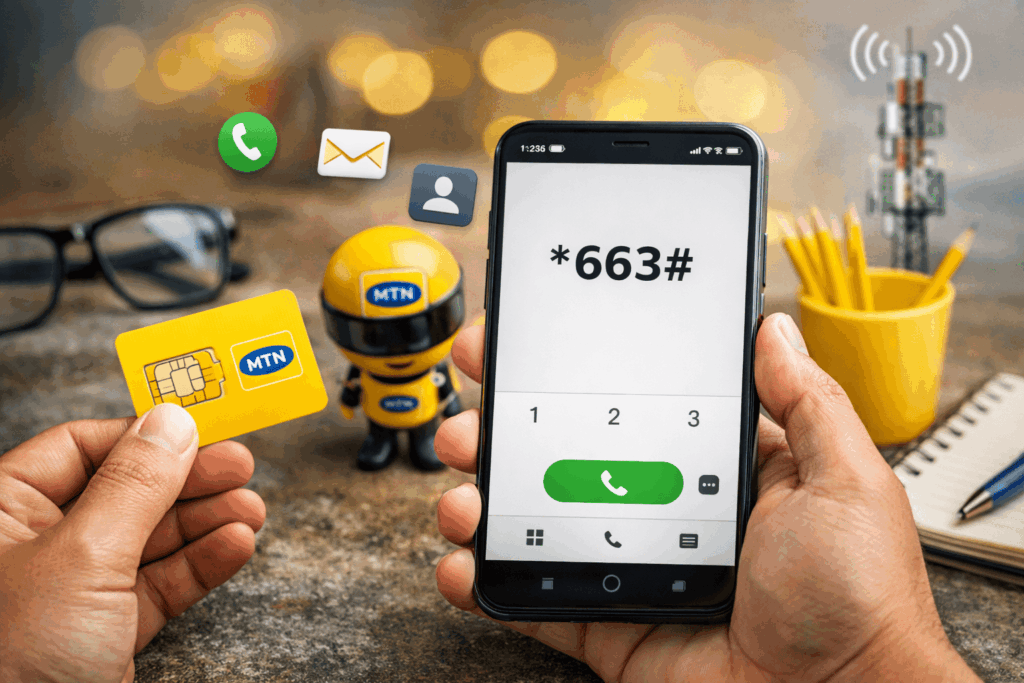
Table of Contents
Quick Answer: The Fastest Way to Check MTN Number
The fastest way to check your MTN number is to dial:
- *663# (your number will display instantly)
Now let’s break down all the best options.
1) How to Check MTN Number Using USSD Code (*663#)
This is the simplest method because it works on any phone and doesn’t require the internet.
Steps
- Open your phone dialer
- Dial *663#
- Your MTN number will appear on your screen
- Save it in your contacts immediately
Tip: If your phone supports it, take a screenshot so you don’t lose it again.
2) How to Check MTN Number from the MTN Menu (*123#)
If *663# doesn’t work on your line for any reason, you can check your number from MTN’s main menu.
Steps
- Dial *123#
- Select My Tools or Account Info (wording may vary)
- Select My Number / Check My Number
- Your MTN number will display on the screen
Shortcut: Some phones/menus also support a direct path like *123*1*1#. If it works on your line, it’s the fastest route from the *123# menu.
Related: Buy MTN Data With USDT Instantly (2026)
3) How to Check MTN Number on the myMTN NG App
If you have data (or Wi-Fi), the myMTN NG app lets you view your profile/SIM details, manage bundles, and see your line information in one place.
Steps
- Install the myMTN NG app
- Log in with your MTN number (or available login option)
- Go to Profile / Account / SIM details
- Your MTN number should be visible on the profile screen
4) How to Check MTN Number by Calling or SMSing Someone (No USSD, No Data)
If you can’t use USSD and you don’t have internet, this method always works as long as you have airtime (or can place a quick call).
Steps
- Call a friend/family member who is nearby or reachable
- Ask them to read out the number that showed on their screen
- Save the number immediately on your phone (e.g., “My MTN Line”)
Tip: You can also send a short SMS like “Hi” to someone you trust—then ask them to reply with your number.
Related: View Your MTN Balance Quickly and Easily in 2026
If Nothing Works: Contact MTN Customer Care (Official Options)
If your SIM is blocked, your line has issues, or USSD isn’t responding, MTN support can help you confirm your line details.
- Dial 300 (MTN contact centre)
- WhatsApp: +234 903 300 0001
- Chatbot (Zigi): via MTN help channels
Related: 7 Easy Ways to Get Free Data on MTN (2026 Guide)
Troubleshooting: Why USSD Might Not Work (Quick Fixes)
- Network issues: move to a stronger signal area and try again.
- USSD session errors: retry after 1–2 minutes (peak hours can cause failures).
- SIM not registered / SIM issues: confirm your SIM registration/NIN linking status with MTN support.
- Try the code directory: you can also dial *300# to view MTN code options (where available).
Safety Tips After You Check Your MTN Number
- Save it immediately as a contact: “My MTN Line”
- Keep your SIM pack safe (it often contains useful SIM details)
- Don’t share sensitive SIM/account details with untrusted people
Related: USSD Codes for MoMo Transactions by Country (2026)
FAQs
What is the code to check MTN number in Nigeria?
The fastest code is *663#. You can also use *123# and follow the menu to “My Number”.
Can I check my MTN number without internet?
Yes. USSD codes like *663# and *123# work without internet.
What if *663# is not working?
Try *123# and select “My Number” from the menu, or use the myMTN NG app. If the issue persists, contact MTN support.